
Getting Started
Sky Follower Bridge helps you find and follow your 𝕏 (Twitter) connections on Bluesky.
Installation
Sky Follower Bridge is available on:
 Chrome Web Store (Recommended⭐)
  Firefox Add-ons
 Microsoft Edge Add-ons
 Safari Web Extension (Thanks to @knotbin.xyz)
TIP
We recommend using the Chrome Web Store version as it's always up to date. Other store versions may lag behind in updates.
WARNING
Sky Follower Bridge is only available on desktop browsers. Mobile browsers are not supported.
Usage
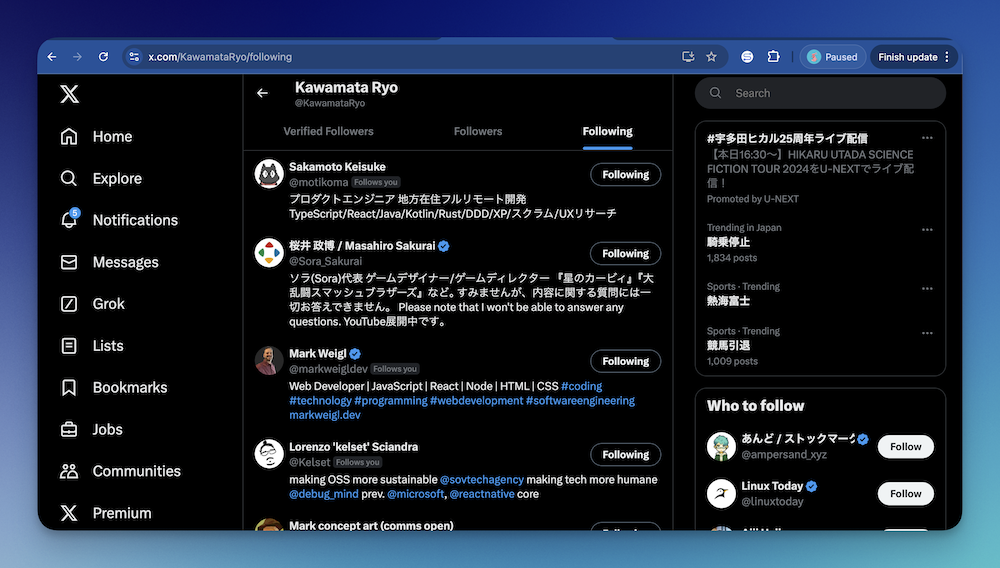
1. Navigate to 𝕏 (Twitter)
Visit any of these pages on X:
- Your Following page: x.com/following
- Your Blocked users page: x.com/settings/blocked/all
- A public List's Members page:
x.com/i/lists/<list_id>/members
2. Launch Sky Follower Bridge
Either press Alt + B or click the extension icon in your browser toolbar.
TIP
For Firefox users, pressing Alt + B may not work. In that case, click the extension icon in the browser toolbar.

3. Sign in to Bluesky
- Bluesky (OAuth) (recommended): Enter your handle and click "Sign in with Bluesky" for secure OAuth login.
- App Password: Switch to the "App Password" tab and enter your handle or email, app password, and Service URL (default:
https://bsky.social). For a self-hosted PDS, enter your PDS URL in the Service URL field.
TIP
If you encounter login errors, please refer to the Troubleshooting Guide.
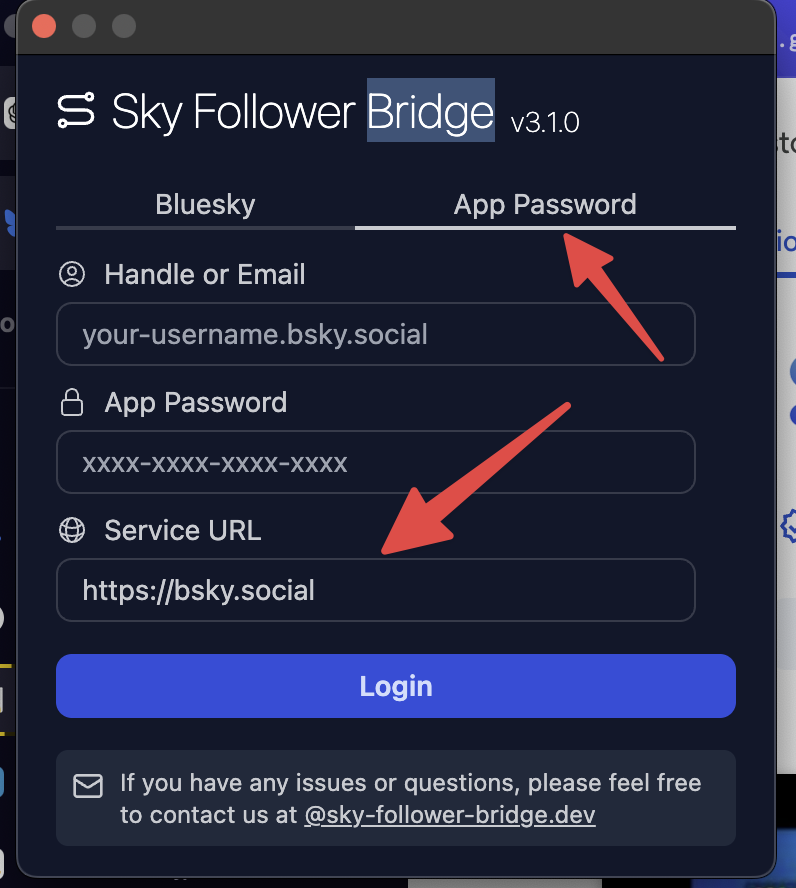
Self-hosted PDS (v3.1.0+)
If you use a self-hosted Bluesky PDS (Personal Data Server) instead of bsky.social:
- Open the extension and switch to the App Password tab.
- Enter your handle (or email), app password, and in Service URL enter your PDS URL (e.g.
https://your-pds.example.com). - Click Login.
Make sure your PDS is compatible with the AT Protocol.
4. Start the Search
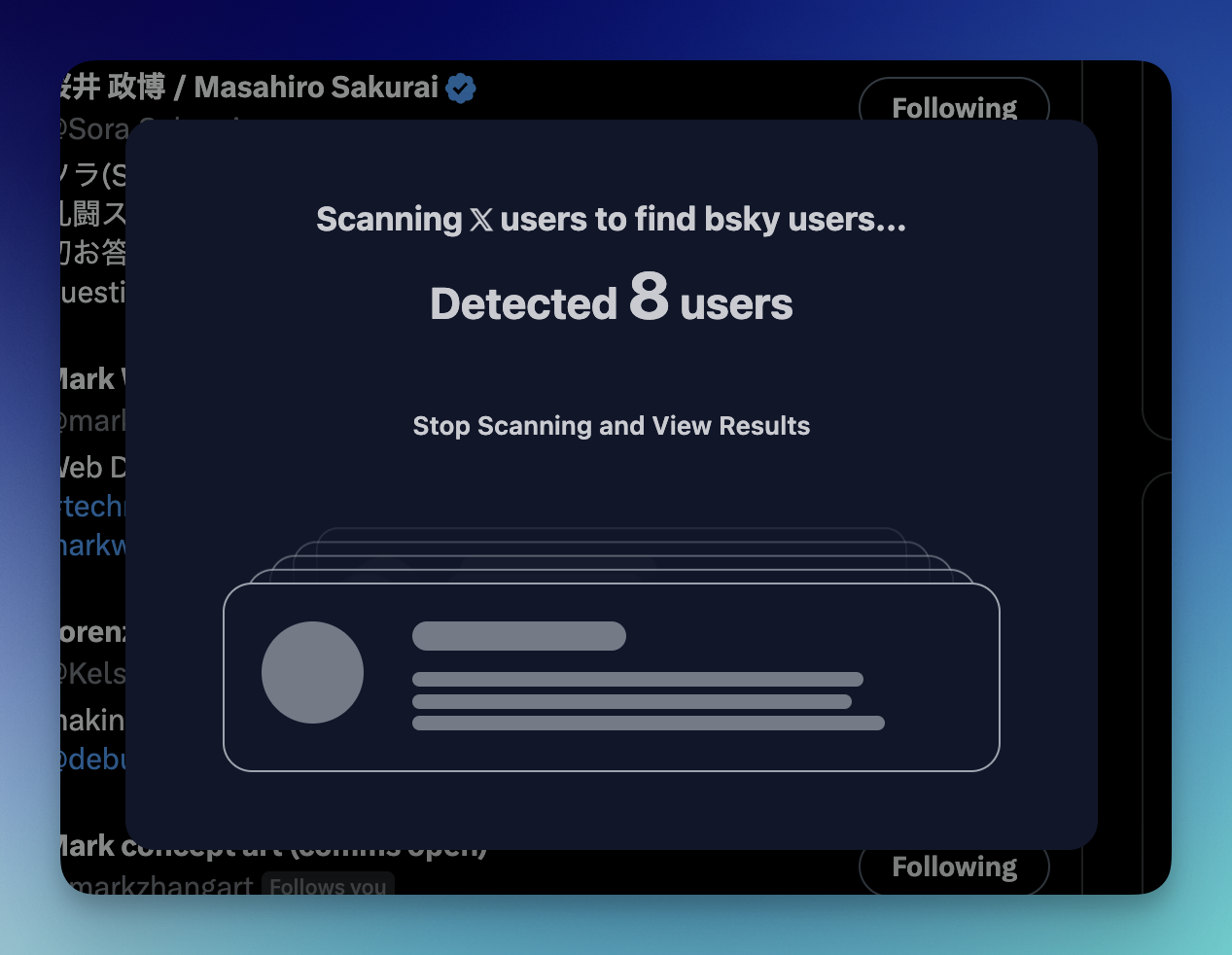
Click "Find Bluesky Users" to begin scanning. The extension will search for matching Bluesky profiles by checking the Bluesky API.
5. Review Results
Click "View Results" to see potential matches found on Bluesky.
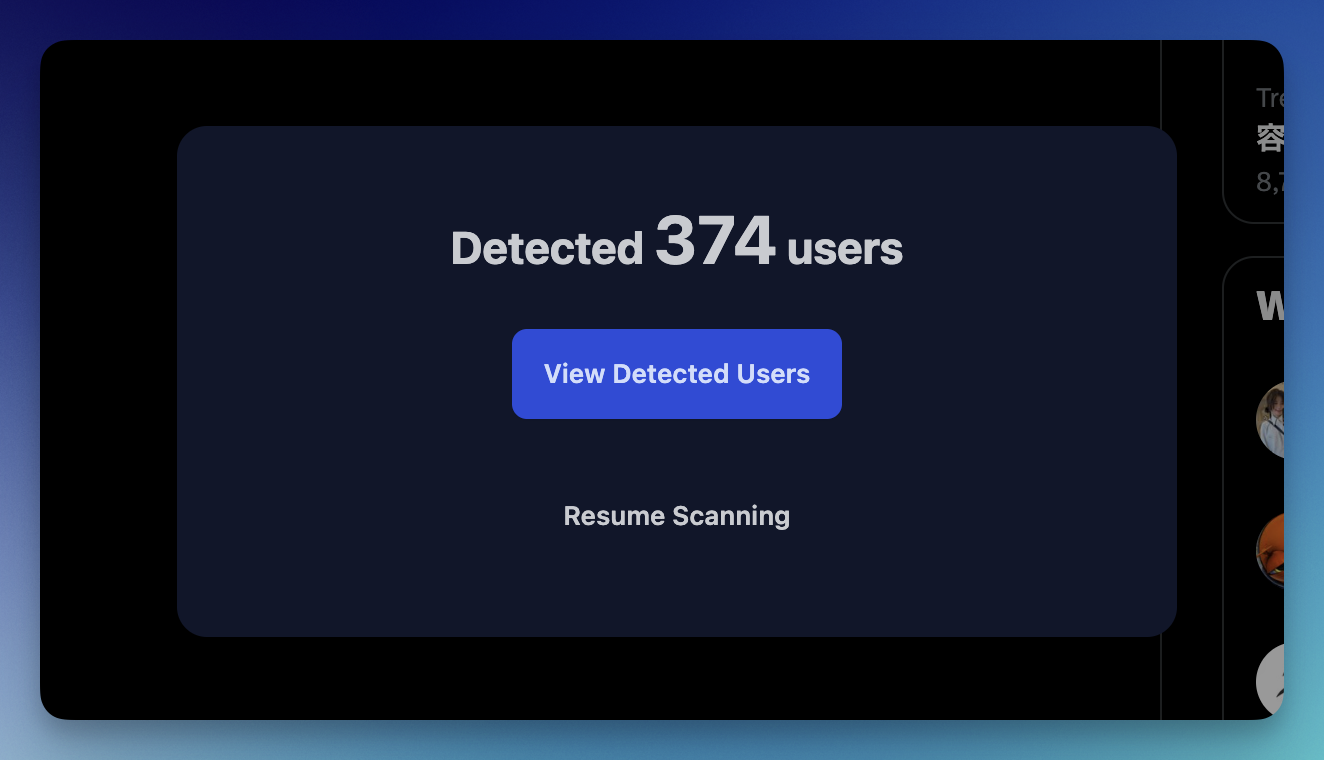
This will open the options page showing all detected Bluesky users.
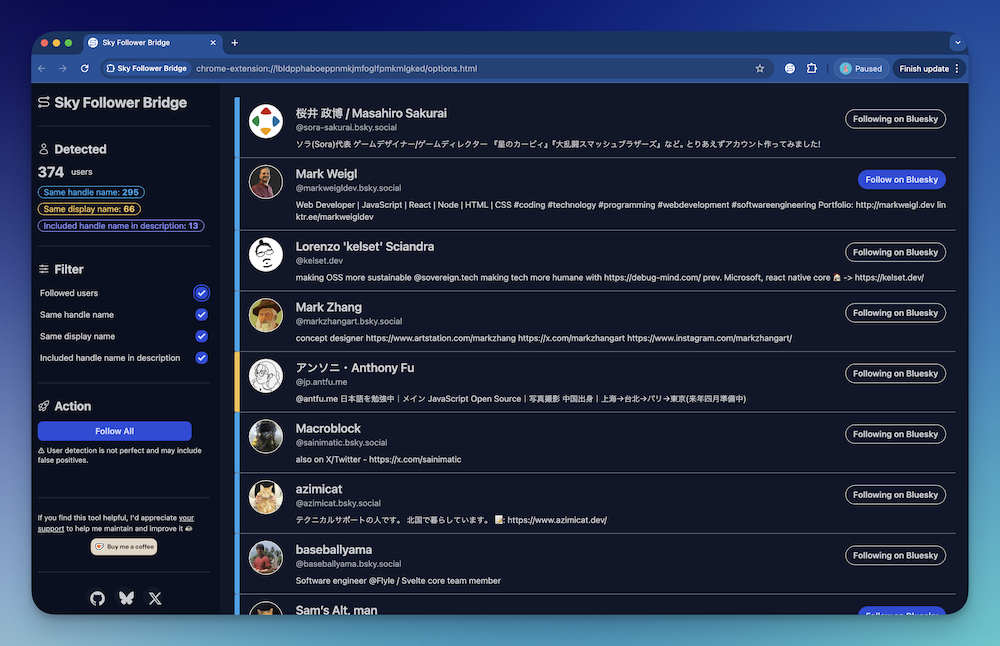
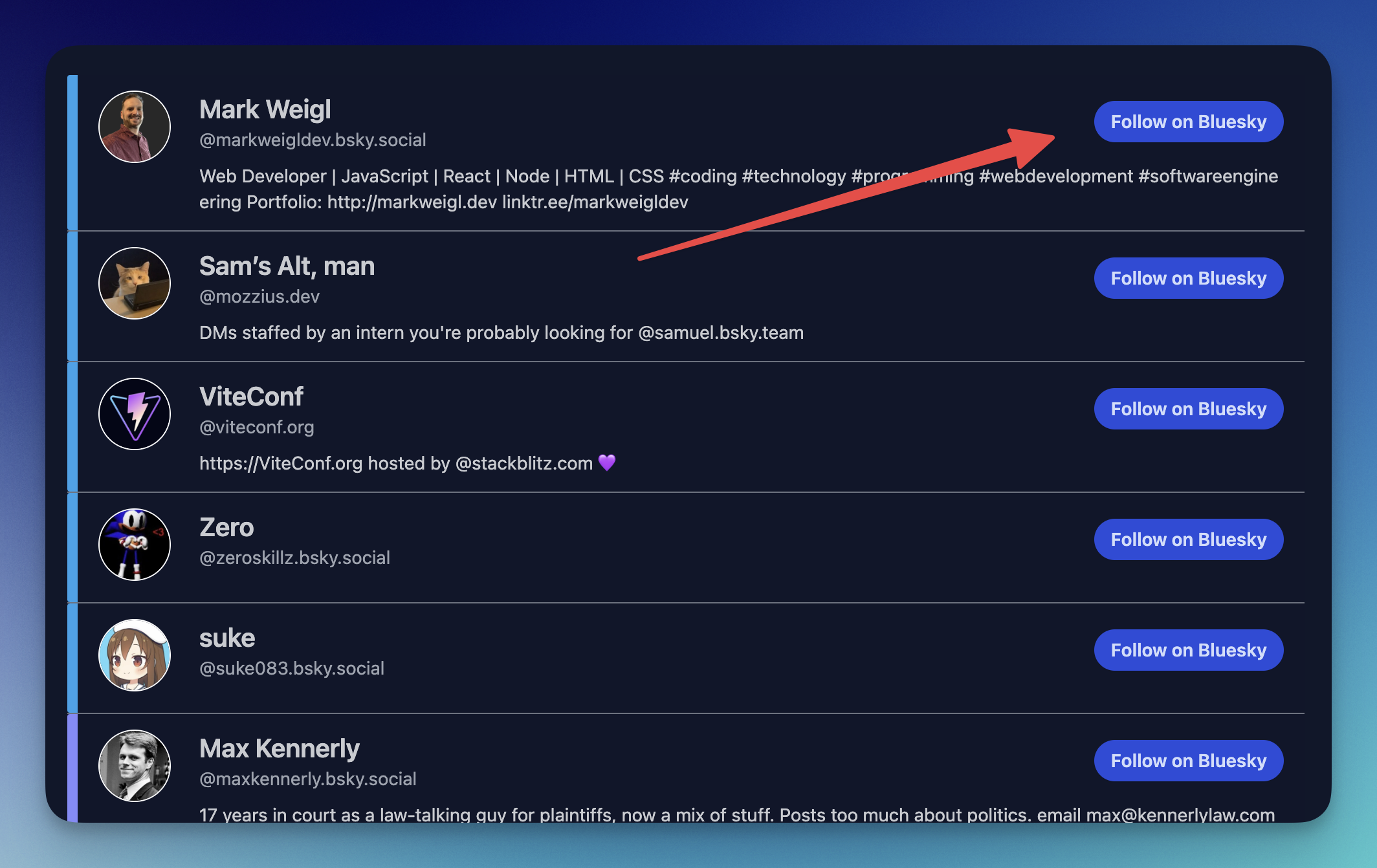
6. Follow Users
Click the "Follow" button next to any user you'd like to connect with.
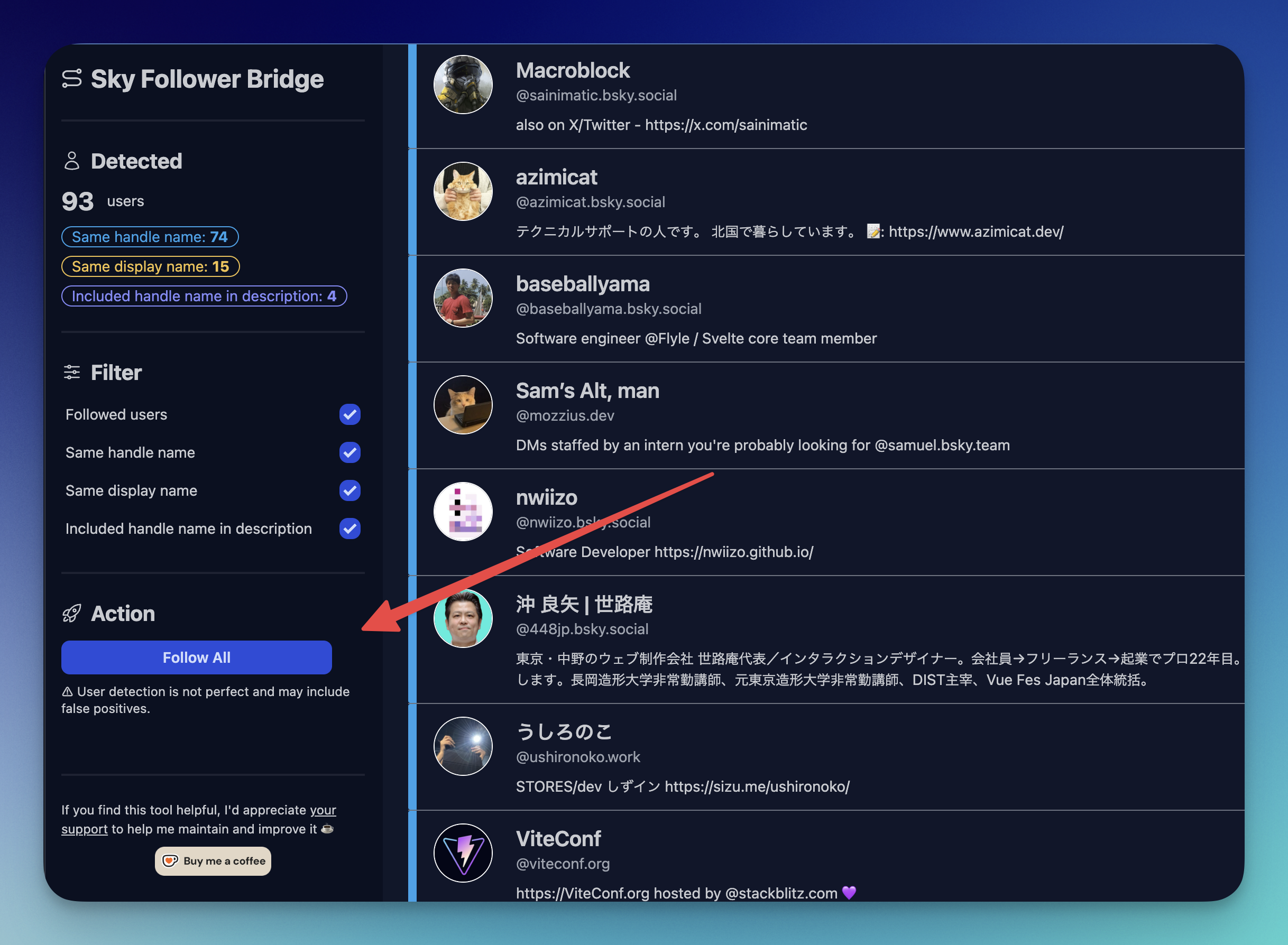
or use the "Follow All" button to follow all detected users at once.
WARNING
Please note that the matching process isn't perfect and may occasionally suggest incorrect matches. Always verify the profile before following.
That's all! Enjoy connecting with your community on Bluesky 🎉